Free, listener-supported radio from Nate’s Software
Little radio.
Very big mood.
Spin the wheel, press play. It’s already on.
Live stations from Radio Paradise and SomaFM, synth stations made here, all on a white click wheel that fits in your browser, your iPhone and your iPad.
Free to listen. No account. HIFI Radio is on the App Store for iPhone and iPad.
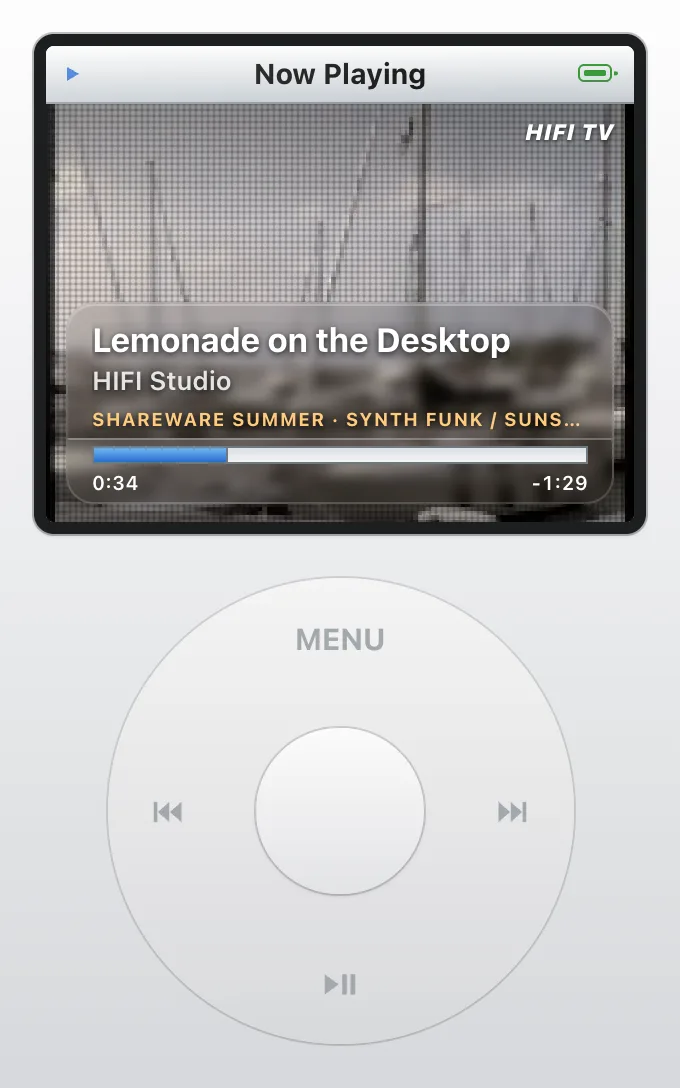
The real player. Go ahead, spin it.
The same iPod,
in your pocket.
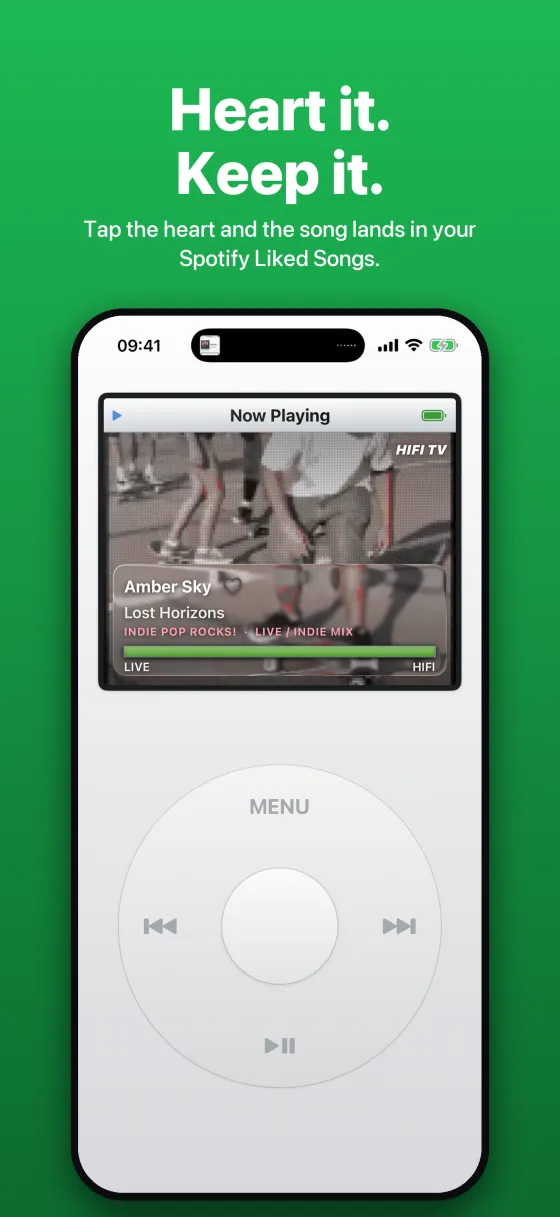
HIFI Radio is out now on the App Store, free. It plays in the background, shows up on the lock screen, and hearts songs straight into your Spotify.
Want the next build before everyone else? Join Nate’s Tastemakers.
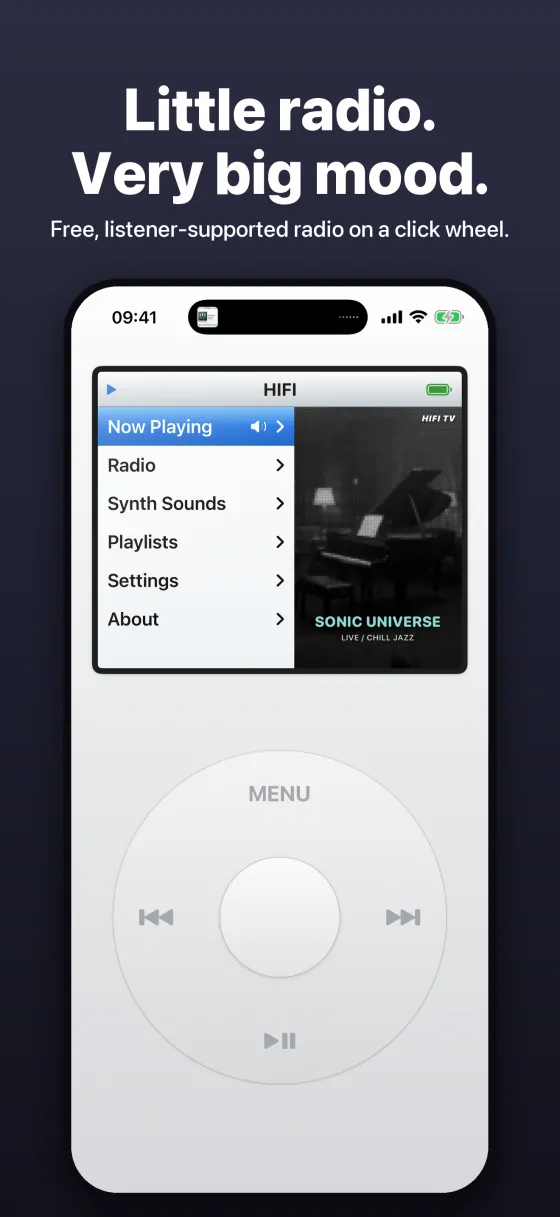
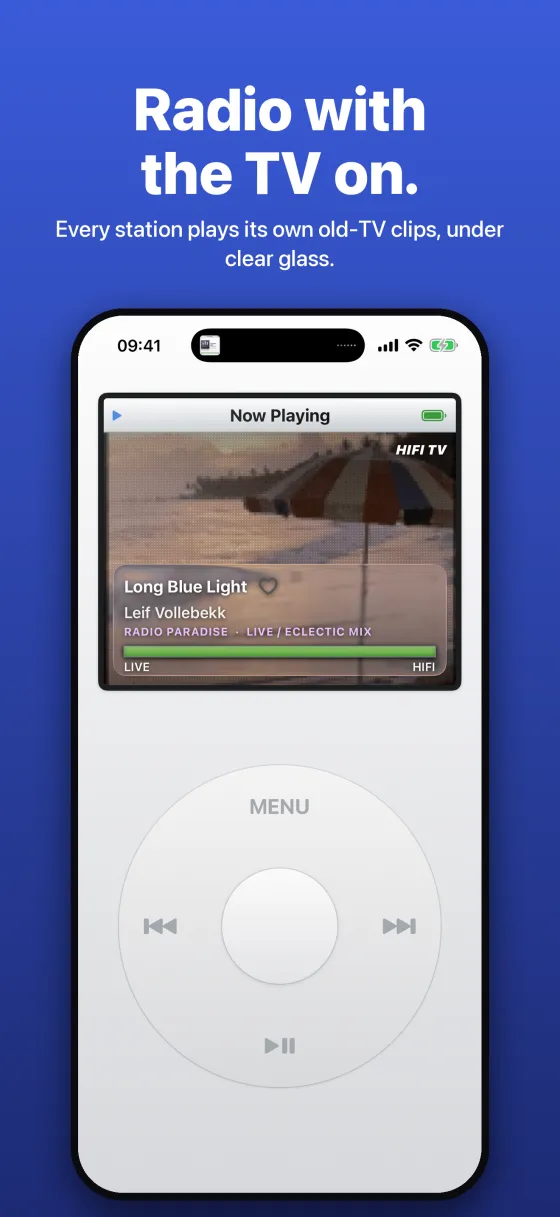
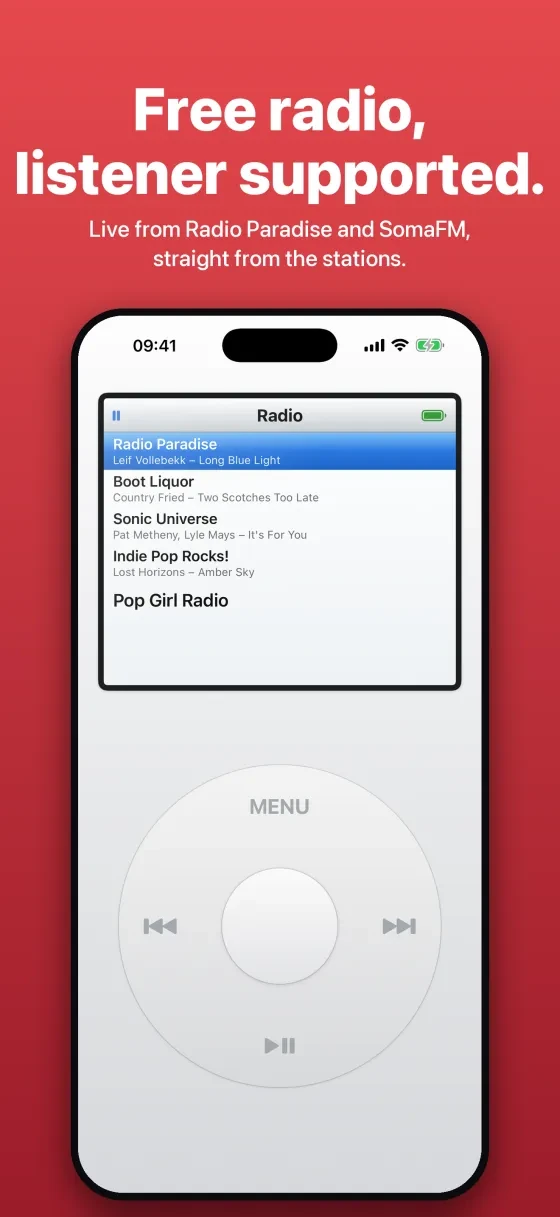
Seventeen stations.
One wheel.
Non-stop unlimited Christmas music, 24/7 with no commercials, on four holiday stations. Nine more live stations for company, four of them made for working, and four rotations of synth music for heads-down work.
Radio Live, listener-supported internet radio
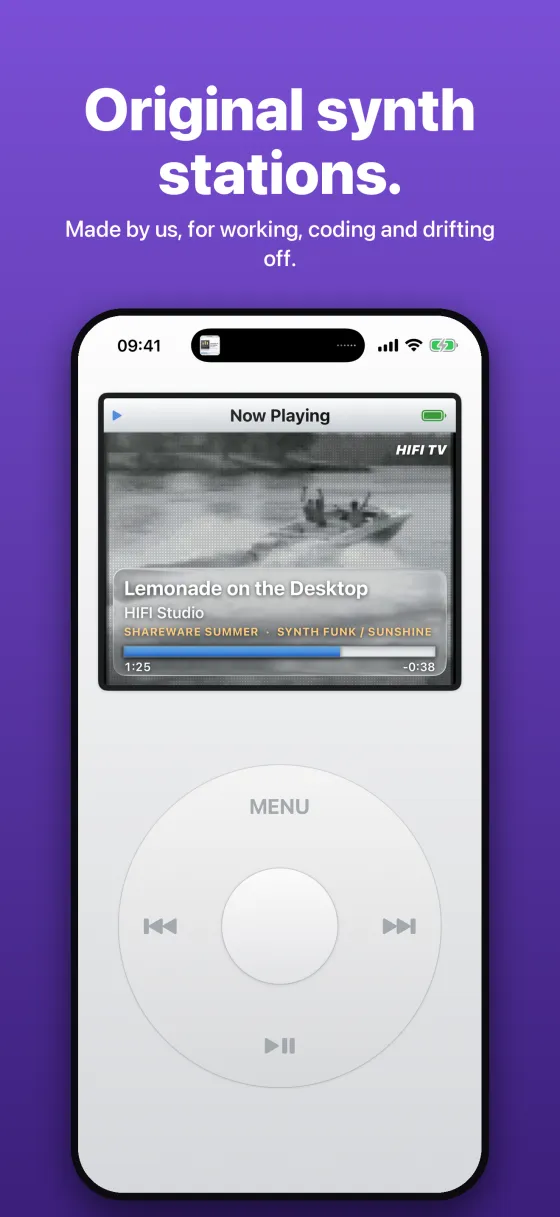
Synth Sounds Made here, for coding and focus
Radio Paradise and SomaFM are independent, listener-supported stations. HIFI plays their streams directly. Support Radio Paradise · Support SomaFM · Pop Girl Radio is Exclusive Radio’s stream.
You tune in.
The music is already there.
The synth stations run on a shared clock. Press play and you join the rotation wherever it is. Leave, come back, and it carried on without you.
How do I use the wheel?
Drag around the ring to scroll, press the center to choose. MENU goes back, ▶︎❚❚ plays and stops, and ⏮ ⏭ change station. On Now Playing the wheel is the volume. Arrow keys, Return, Escape and Space work too.
Is there an iPhone app?
Yes. HIFI Radio is on the App Store, free. It keeps playing in the background with lock-screen controls, and the ♥ saves songs to Spotify.
Is it free?
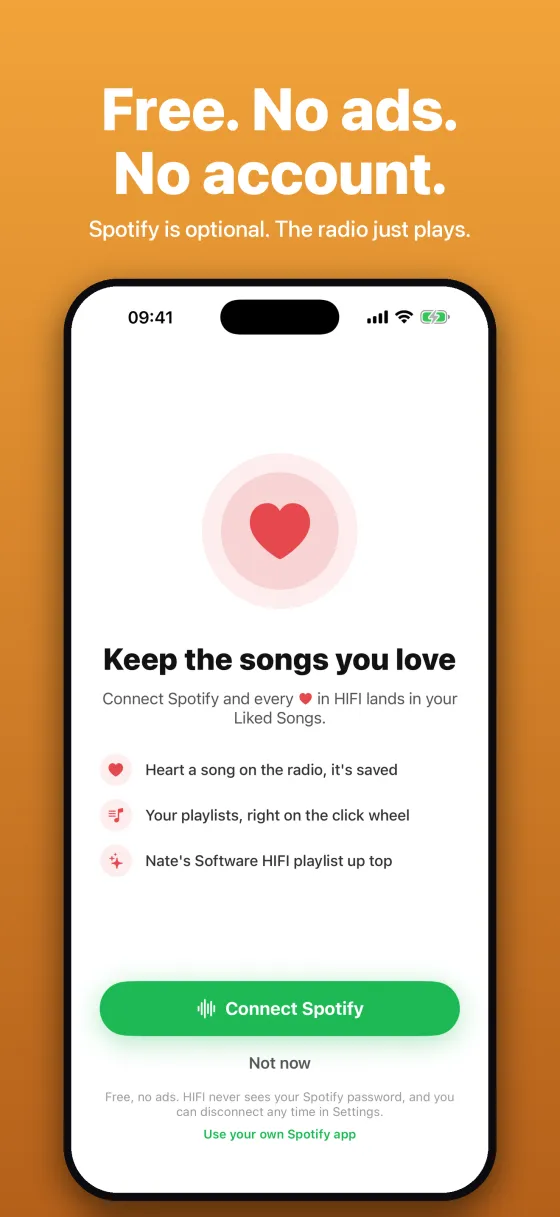
Yes. There’s no HIFI account or subscription.
What does the heart do?
Connect Spotify (in Settings or Playlists) and the ♥ next to a live song saves it to your Liked Songs. Your playlists show up on the wheel, with Nate’s Software HIFI at the top.
Can I listen inside Nate’s Software?
Yes. Open HIFI on the desktop. It stays in its own window, and minimizing it keeps the music playing.
Where does the music come from?
Radio Paradise and SomaFM supply their own live broadcasts. The Synth Sounds are original instrumentals made for HIFI, plus a few owner-supplied AI-generated tracks; their artist names are made up.
The internet used to have little places like this.
It still can.